Online booking and payment system with deposits
Appointments and bookings with a deposit taken up front, so no shows cost you nothing. For clinics, salons, tutors and anyone who books time.
- Online calendar on your website
- Deposit or full payment at booking
- Reminders by email and SMS
How does a booking system with deposits stop no shows?
A booking system with deposits takes a card payment at the moment of booking, so a customer who does not turn up has already paid part of the appointment. eCom Pro supplies it for clinics, salons, tutors and anyone who books time, with eCom Pay card payments settling next working day. Free with eCom Pay.
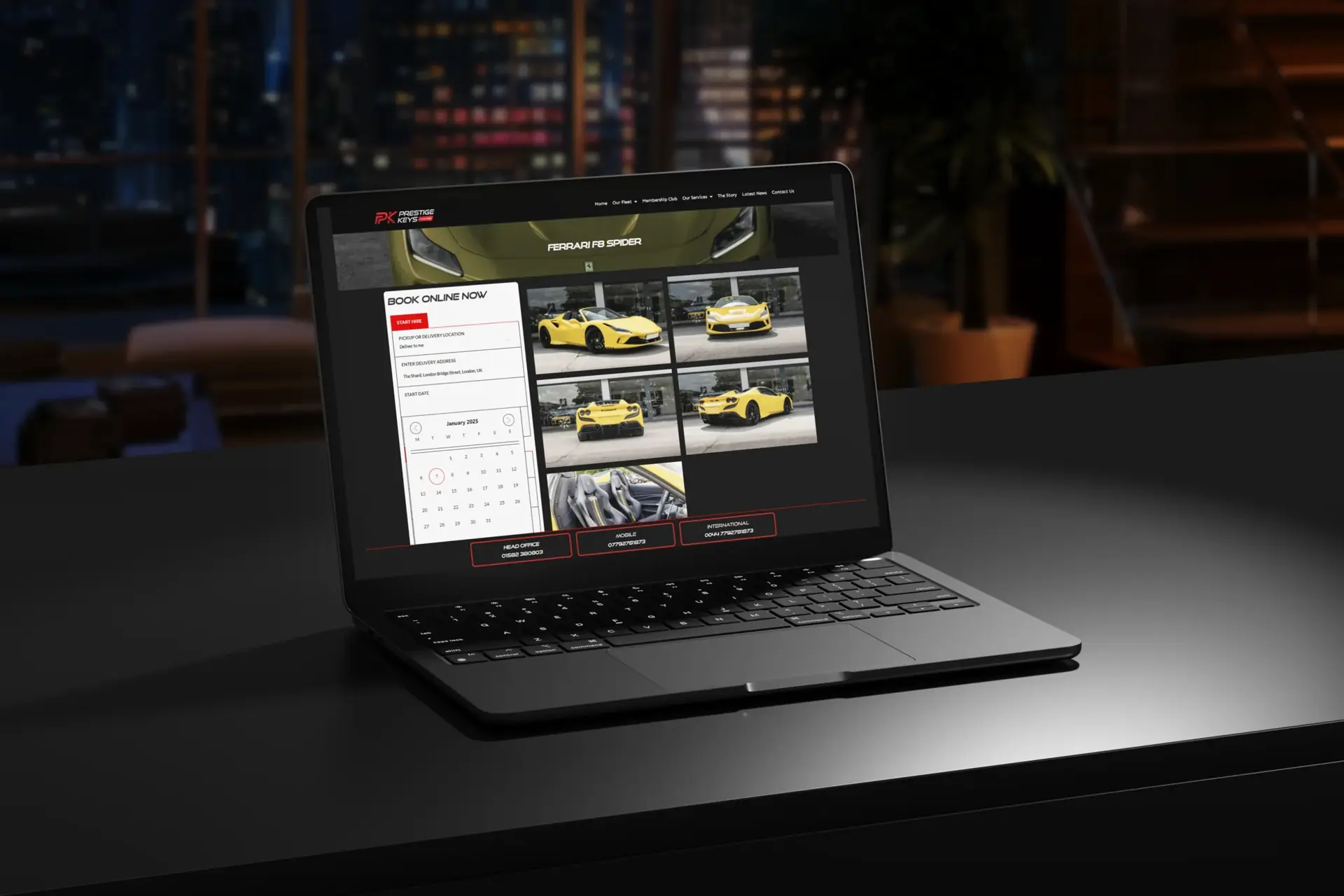
What the booking system with deposits includes
Built for aesthetics clinics, salons, therapists, tutors, studios and venues.
Online calendar on your website
Deposit or full payment at booking
Reminders by email and SMS
Cancellation and no show rules
Staff and room availability
Card payments through eCom Pay
Free with eCom Pay card payments
Run your card payments through eCom Pay and the booking system with deposits costs nothing. Next working day settlement, no rolling reserve, and a UK team available 24/7.
- Approved and taking payments in 24 hours* once documents are in
- Specialist sectors welcome
- Works on your current site or a new eCom Pro website
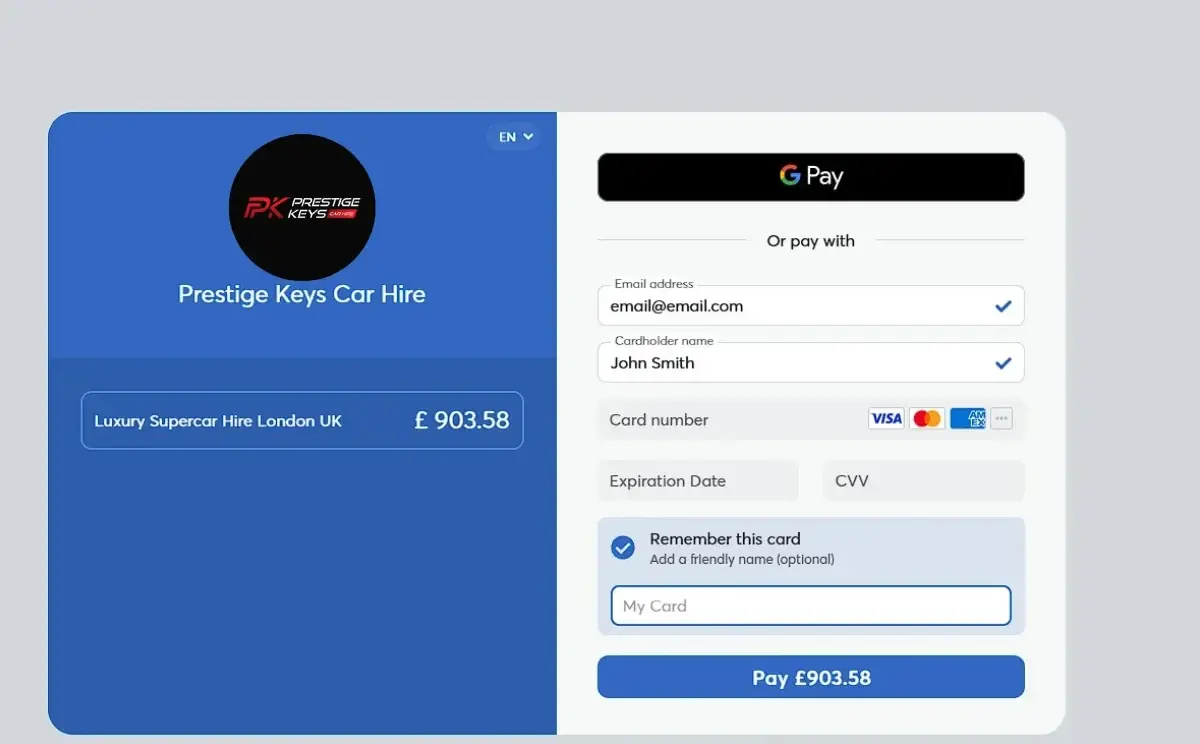
This was built for one of our own clients first and has taken real orders, so you are not the test case. With eCom Pay processing behind it, most of our products are free.
Booking system with deposits questions
How much does the booking system with deposits cost?
It is free when your card payments run through eCom Pay. Without eCom Pay it is licensed monthly, and you can switch your payments over at any time to drop the licence fee. All prices plus VAT.
Who is it for?
Aesthetics clinics, salons, therapists, tutors, studios and venues.
How do customers pay?
Card, Apple Pay and Google Pay through eCom Pay, with next working day settlement and no rolling reserve. Approved and taking payments in 24 hours* once your documents are in.
Can it be added to my existing website?
Yes. It can sit on your current site or come as part of a free or pay monthly eCom Pro website.
Can I see a demo?
Yes. Book a demo with the form on this page and we will walk you through it on a call.
*Approval time depends on how quickly we receive your documents.
See the booking system with deposits in action
Book a demo and we will show you how it works with your business and your payments.