QR table ordering system with card payments
Customers scan, order and pay at the table. Orders go straight to your kitchen with the table number, payments settle next working day through eCom Pay, and your team spends their time serving, not taking orders.
- No app to download, works in any phone browser
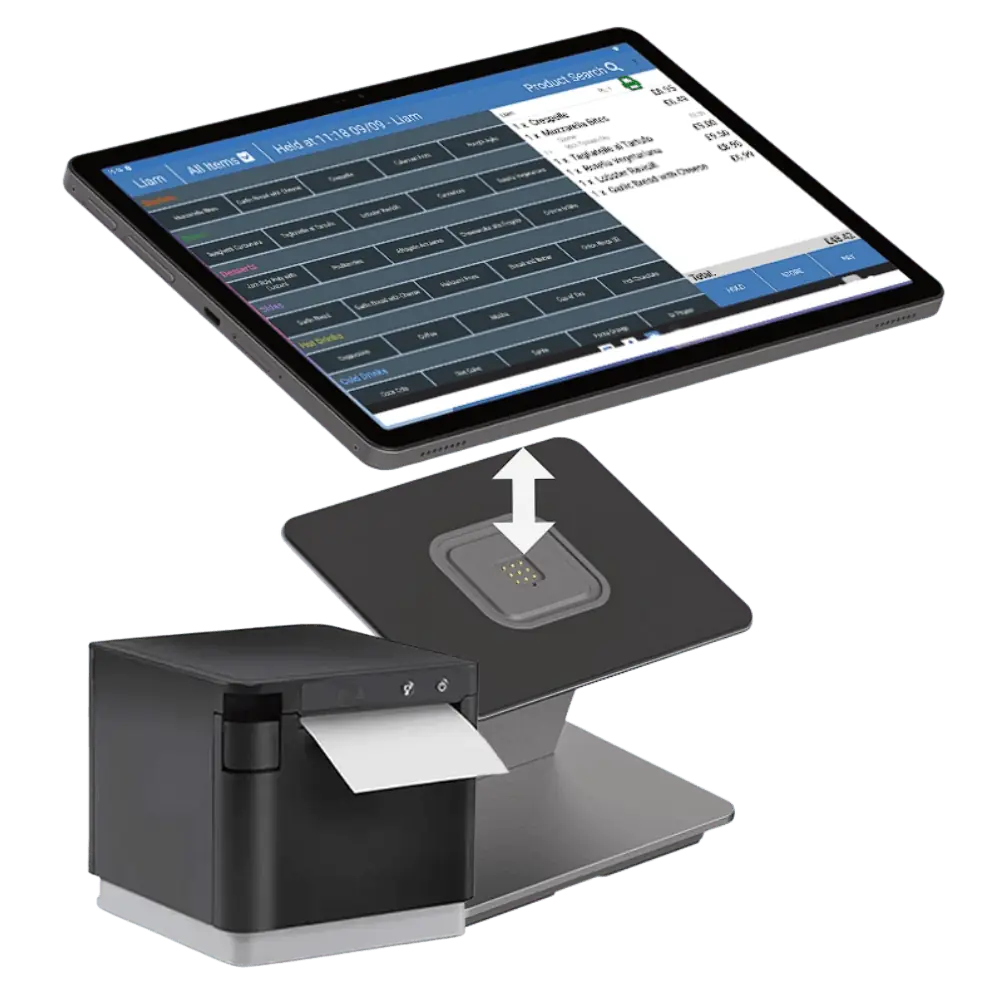
- Orders to printer, tablet or kitchen display
- Same account as your website and takeaway orders
How does QR table ordering work?
QR table ordering puts a code on each table. Customers scan it with their phone, see your menu, order and pay by card, Apple Pay or Google Pay through eCom Pay. The order goes to your kitchen printer or screen with the table number. There is no app to download and payments settle next working day.
0
apps to download
T+1
next working day settlement
1
account for dine in and takeaway
24/7
UK support
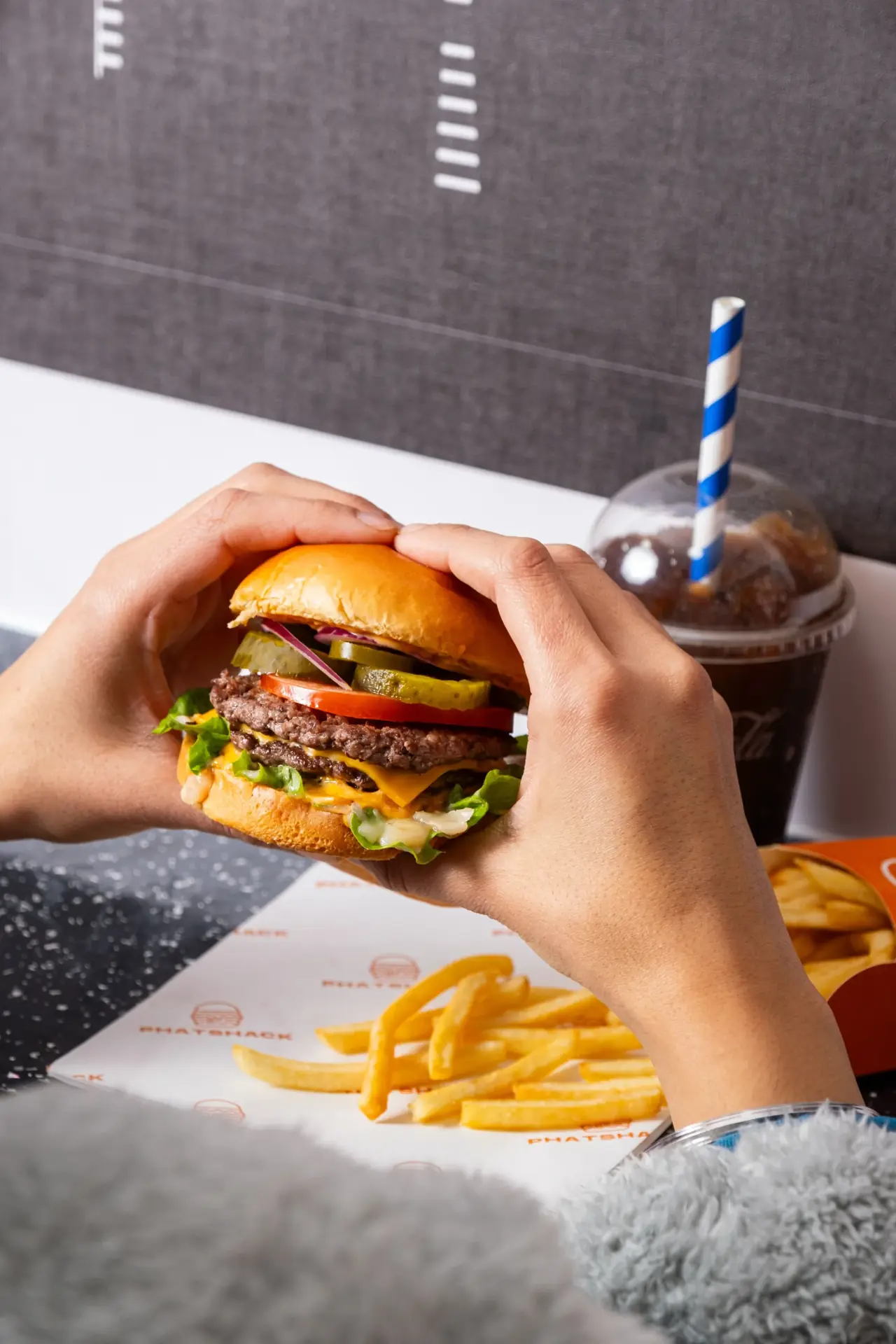
How QR table ordering works
Four steps from sitting down to the kitchen starting the order.
Scan
A QR code on each table opens your menu in the phone browser. No app, no account.
Order
Customers build their order with modifiers and notes, and can add more rounds later without calling anyone over.
Pay
Card, Apple Pay or Google Pay through eCom Pay, or pay at the counter if you prefer. Tips can be added at checkout.
Kitchen
The order lands on your printer, tablet or kitchen display with the table number, and shows in your ePOS reporting.
Built for venues that want fewer queues and bigger tables
Faster service at peak
Orders arrive while your team is still clearing the last table. No queue at the bar, no waiting for a server.
Higher order values
Customers add sides, drinks and another round in their own time, with upsells shown on the menu.
Every customer captured
Email and order history saved for marketing, with email campaigns powered by BulletMails included on the free plan.
Included free for restaurants on eCom Pay
Restaurants and takeaways already trading get the website, online ordering and QR table ordering free when card payments run through eCom Pay, with no turnover minimum. New openings are looked at case by case. Printers, tablets and ePOS hardware are available as add ons.
QR ordering works when the order lands exactly where your kitchen works and the payment settles next day. That is the part we set up properly.
QR table ordering questions
How does QR table ordering work?
Each table gets a QR code. Customers scan it with their phone, see your menu, order and pay. The order goes to your kitchen printer, tablet or kitchen display with the table number on it.
Do customers need an app?
No. The QR code opens your menu in the phone browser. No download, no account.
How do customers pay?
Card, Apple Pay and Google Pay through eCom Pay, settled next working day. You can also allow pay at the counter if you prefer.
Does it work with my existing ePOS?
It runs on eCom Pay restaurant ePOS, so orders, payments and reporting sit in one place. If you have another system, ask us and we will check.
What does it cost?
QR table ordering is included for trading restaurants on the free website plan. For other plans it is an add on priced with your ePOS, and all prices are plus VAT.
Can I use it for bars and cafes?
Yes. Any venue where customers order from a table, a seat or a room number, including bars, cafes, hotels and food halls.
Add QR table ordering to your venue
Tell us how many tables and how your kitchen works. We set up the codes, the menu and the payments on one account.